Survive The Slope Updates
Patch notes, Items drops, and what changed for your next run.
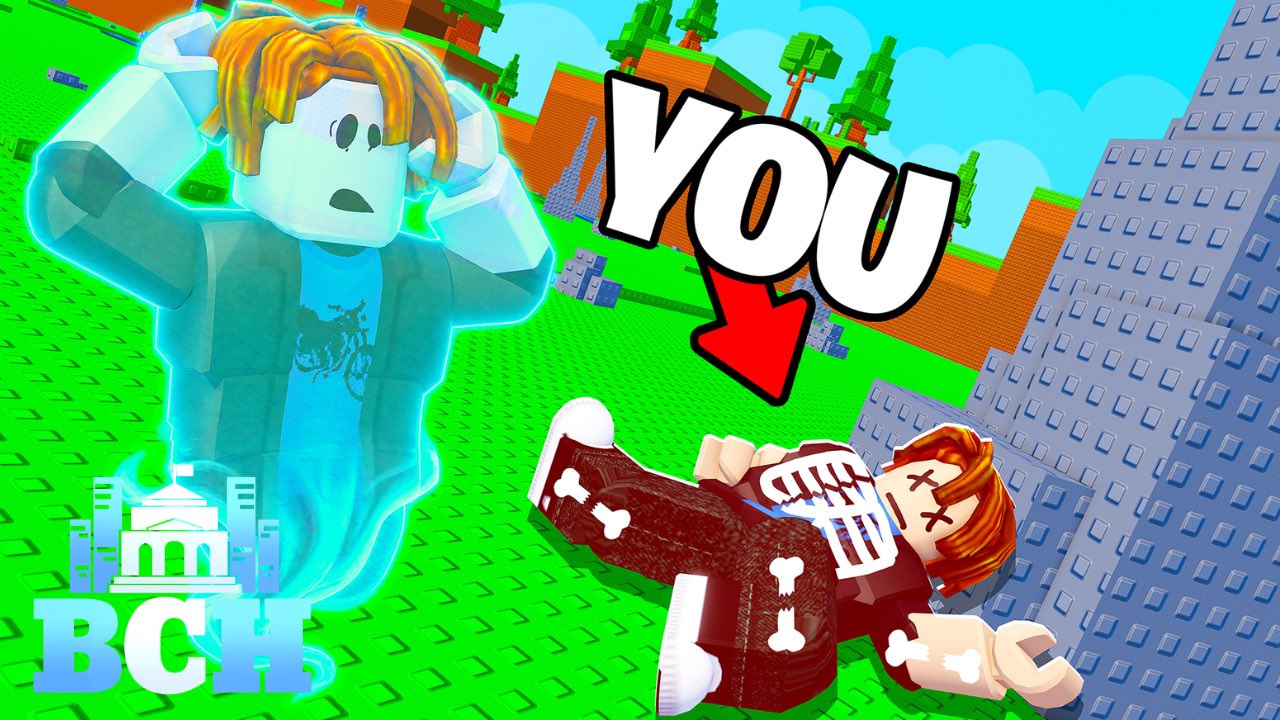
Track Survive The Slope! patch notes, content drops, and balance changes here. The game launched on Roblox on 15 May 2026 (StarBite Bones, with BCH Studios promotion) as a physics slope runner: slide, dodge obstacles, manage bone health, earn cash from distance, buy materials, upgrade, and climb leaderboards in servers of up to six players on Desktop, Mobile, and Tablet.
After each update, re-check your upgrade order, materials list, and obstacle habits. Scripts break often — see the Scripts Hub warnings — while legitimate prep belongs on the run checklist. Promo codes sometimes accompany big patches; the Codes Hub stays honest when none are verified.
Latest highlights
| Update | Date | Focus | Page |
|---|---|---|---|
| Items update | 16 Sep 2026 | New Items content drop | September 2026 Items |
| Initial release | 15 May 2026 | Live on Roblox | Summary below |
More patch pages will appear here as creators ship named updates. Set expectations: Roblox experiences often push quiet hotfixes without full notes — if something feels different after a join, assume a silent tweak and test in a short run before a leaderboard push.
September 2026 Items update
On 16 September 2026, Survive The Slope received a new Items focused update. Read the dedicated breakdown: September 2026 Items update. Practical takeaways for most players:
- Re-open shops and scan for new item entries before spending a big cash pile from a long run.
- Re-test bone durability and obstacle timing — new items can change how long you survive at speed.
- Update any personal checklist; the Tools Hub run sheet is the right place to note new buy priorities.
- Do not assume old community scripts still work (Auto Upgrade notes).
Release baseline (May 2026)
At launch, the fantasy was already clear: survive the slope longer than the lobby, convert distance to cash, and invest in materials plus upgrades so bones last through nastier obstacle stretches. Core constraints that still matter after later patches:
- Bone health is a hard fail state — when every bone is broken, the run ends.
- Cash scales with distance, so learning clean lines beats reckless speed that shatters you early.
- Upgrades and materials are the progression spine between runs.
- Max six players per server keeps runs social without turning into a massive lobby clutter.
- Cross-input support (Desktop / Mobile / Tablet) means UI and redeem panels can look slightly different — relevant when codes finally appear (How to Redeem).
What to do after any patch
- Skim this hub and open the newest child page.
- Join a low-pressure server and verify shops, items, and controls.
- Run the pre-run checklist once with fresh eyes.
- Adjust upgrade priority if a new item outclasses an old crutch.
- Check Codes and official socials (@BCHStudiosRblx) in case a promo landed with the patch.
- Revisit Guides if onboarding tips changed.
How we write update pages
Each major drop gets its own JSON-backed page under /updates/ with:
- Date and headline changes
- Player-facing impact (economy, items, difficulty)
- Links to guides, tools, and codes
- FAQ for “is this still current?” style questions
We prefer clear player language over dumping raw changelog noise. When official notes are thin, we mark what is confirmed versus inferred from in-game observation.
Related hubs
- September 2026 Items — featured deep dive
- Guides Hub — mechanics and beginners
- Tools Hub — practical checklists
- Codes Hub — promo status after patches
- Scripts Hub — why automation breaks on update day
Bookmark this Updates Hub and refresh it whenever the experience shows a new badge or the Roblox page mentions a version bump.
Frequently Asked Questions
Quick answers about sliding farther, upgrades, and codes.
When did Survive The Slope release?
The experience went live on Roblox on 15 May 2026. Track later patches from this Updates Hub.
What is the newest documented update?
The September 16, 2026 Items update. Open the September 2026 Items page for player-facing notes.
Do updates add promo codes?
Sometimes creators bundle codes with patches, but as of September 2026 research none are verified. Check the Codes Hub after every drop.
Should I change my upgrades after an Items update?
Yes—re-scan the shop, test a short run, and update your run checklist before committing a long leaderboard attempt.