Survive The Slope September 2026 Items Update
New Items drop on 16 Sep 2026 — shop checks, loadout tips, and post-patch habits.
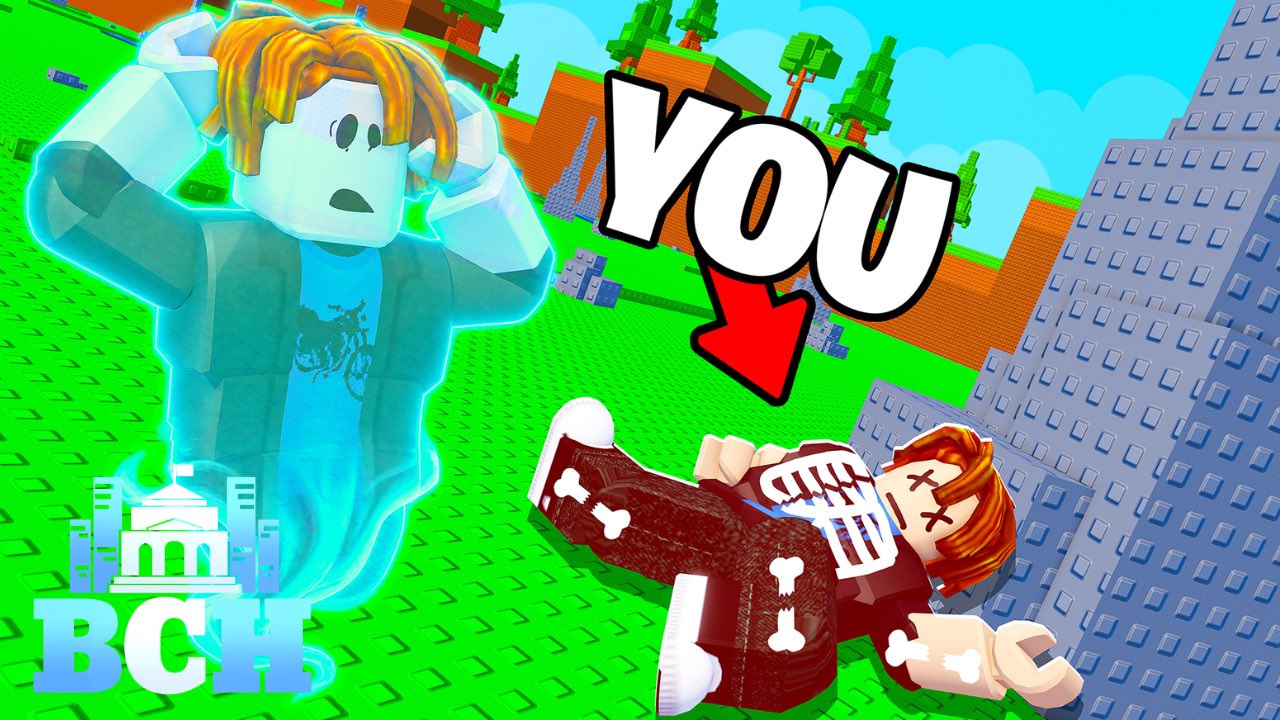
On 16 September 2026, Survive The Slope! on Roblox shipped a new Items update. BCH Studios announced the drop (see BCH Studios on X), and Roblox surfaced it in the experience’s event / update window around that date—treat the live place plus studio posts as the source of truth for exact wording. This page explains what that means for your runs, shops, and progression. Survive The Slope! (StarBite Bones, with BCH Studios promotion; place 91575878912978) remains a physics slope runner: slide, dodge obstacles, protect bone health, earn cash from distance, buy materials, upgrade limbs, and chase leaderboards with up to six players per server on Desktop, Mobile, and Tablet.
Items updates matter because the economy between runs — materials and upgrades — decides how far your bones last when the slope steepens. A new item can obsolete an old buy order overnight. Use this page with the parent Updates Hub, the Run Checklist, and the Shop Planner.
Patch snapshot
| Field | Detail |
|---|---|
| Date | 16 September 2026 |
| Headline | New Items update |
| Announcement | BCH Studios social post + Roblox experience event/update window |
| Platforms | Roblox Desktop, Mobile, Tablet |
| Impact areas | Shops, materials/items inventory, mid-run survivability, upgrade planning |
Official marketing for Roblox experiences is sometimes light on bullet lists. Treat “Items update” as a signal to re-audit every purchase rather than assuming only cosmetics changed.
What to do in-game after updating
- Leave and rejoin a fresh server so you are not on a stale build still missing Items rows.
- Open material / item shops before your first serious run and note anything new, renamed, or repriced.
- Compare new options against your last fail reason: early bone breaks, late-speed clips, or a single obstacle family.
- Buy one experimental item or material tier, then take a short calibration run — do not dump an entire cash stack blind.
- Update priorities with the Shop Planner (cash → limbs → materials → enchantments → cosmetics) and the Run Checklist.
- Glance at Codes and @BCHStudiosRblx in case a promo tagged along (none verified in Sep 2026 research).
Gameplay impact
Economy and shops
Distance still converts to cash. New items usually insert fresh sinks or power spikes into that loop. If a new material offers better value per cash than your old staple, your upgrade timing changes: you may delay a cosmetic-style upgrade to fund the stronger item first. Conversely, expensive trap items can bait players into weaker mid-game power — test on short runs.
Bone health and obstacles
Survive The Slope punishes greed. All bones broken equals a lost run. Items that extend durability, improve control, or soften specific obstacle hits will show up as longer average distance, not just a prettier inventory. After this patch, watch whether you survive the same obstacle that ended yesterday’s best attempt.
Leaderboards
Six-player servers and public leaderboards reward consistency. Post-Items meta often shifts for a week while players discover optimal buy orders. Do not panic-copy the first viral claim; log your own distances with controlled loadouts.
Suggested buy order mindset
Without inventing fake item names, use this decision frame:
- Fix the fail — If bones shatter early, prioritize survivability-oriented items/upgrades.
- Fix the clip — If one obstacle type ends most runs, fund the option that improves control or lane forgiveness.
- Then scale distance — Only after your fail rate drops should you chase pure cash-gain frills.
- Revisit weekly — Another silent hotfix can reshuffle value; keep reading the Updates Hub.
Pair that mindset with Getting Started if you are still learning the base loop.
Scripts and third-party tools after Items patches
Shop automation such as Auto Upgrade All / Auto Buy Material (see Auto Upgrade script page) frequently breaks when item lists change. Even when a script still “works,” it may buy outdated junk. This wiki does not provide loadstrings and strongly recommends legitimate play — exploits risk bans. Prefer manual shopping the first days after an Items drop.
How this update fits the 2026 timeline
- 15 May 2026 — Experience released on Roblox.
- 16 Sep 2026 — Items update (this page).
- Ongoing — Watch socials and this hub for the next named drop.
Four months of live play is enough for a meaningful item layer without rewriting the core slide fantasy. Expect future updates to either expand items again or tune obstacle density; either way, your checklist habits stay valuable.
Related reading
- Updates Hub — full patch index
- Run checklist — pre-run upgrades, bones, obstacles
- Shop planner — cash → limbs → materials → enchantments → cosmetics
- Codes Hub — promo status after content drops
- Scripts Hub — why to avoid broken automation
- Guides Hub — longer form strategy
Rejoin a fresh server, play a calibration run, note one new item decision, and only then chase a personal best on the slope.
Frequently Asked Questions
Quick answers about sliding farther, upgrades, and codes.
When did the Items update release?
Survive The Slope’s documented Items update landed on 16 September 2026.
Do I need to change my upgrades?
Re-open shops, compare new items to your common fail reasons, and test on a short run before rebuilding your whole loadout.
Did this update add codes?
No verified public promo codes were confirmed with the September 2026 research pass. Check the Codes Hub if creators post any later.
Will old scripts still work?
Often no. Items list changes break shop automation. Avoid exploits anyway—ban risk remains—and shop manually after patches.